
The Client Hub
One place to see, approve and ask for everything
Every client gets a private Client Hub. It's where your posts, articles and videos wait for your OK, where you ask us for changes, and where your monthly report lives. It works in any browser, on your phone or your desk.
01 · Home
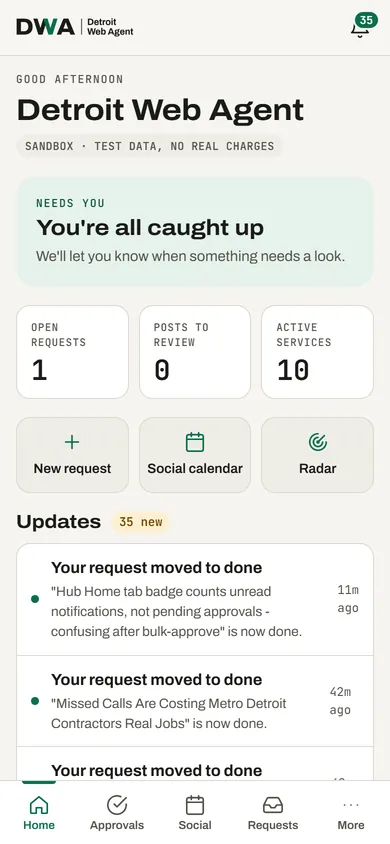
Home: what needs you, at a glance
Open the Hub and the first thing you see is whether anything needs your attention. If not, it says so.
- Open requests, posts waiting for review and active services, in three numbers
- Shortcuts to make a request, open the social calendar or check the radar
- A running list of updates: finished requests, new drafts, reports
02 · Approvals
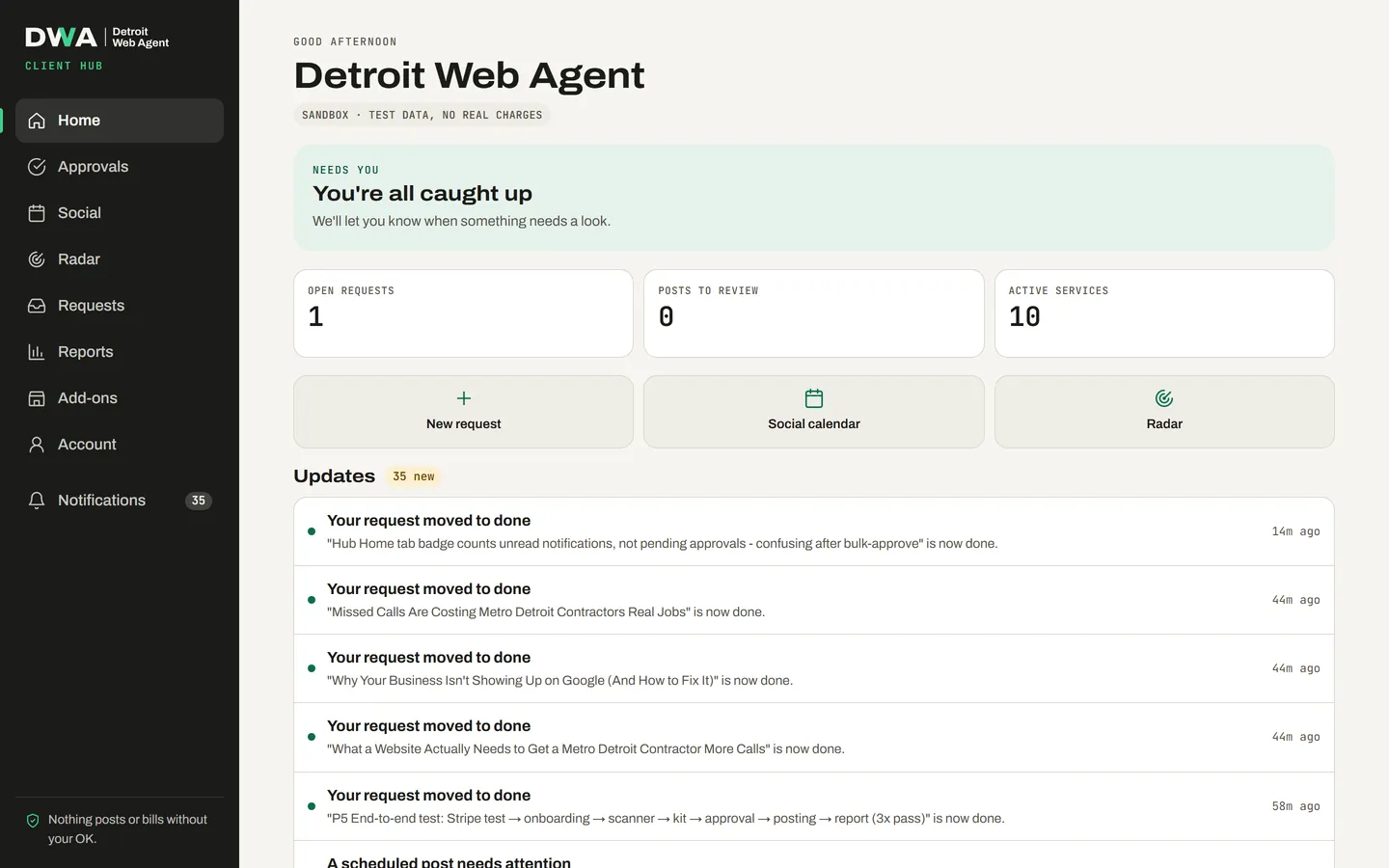
Approvals: nothing moves without your yes
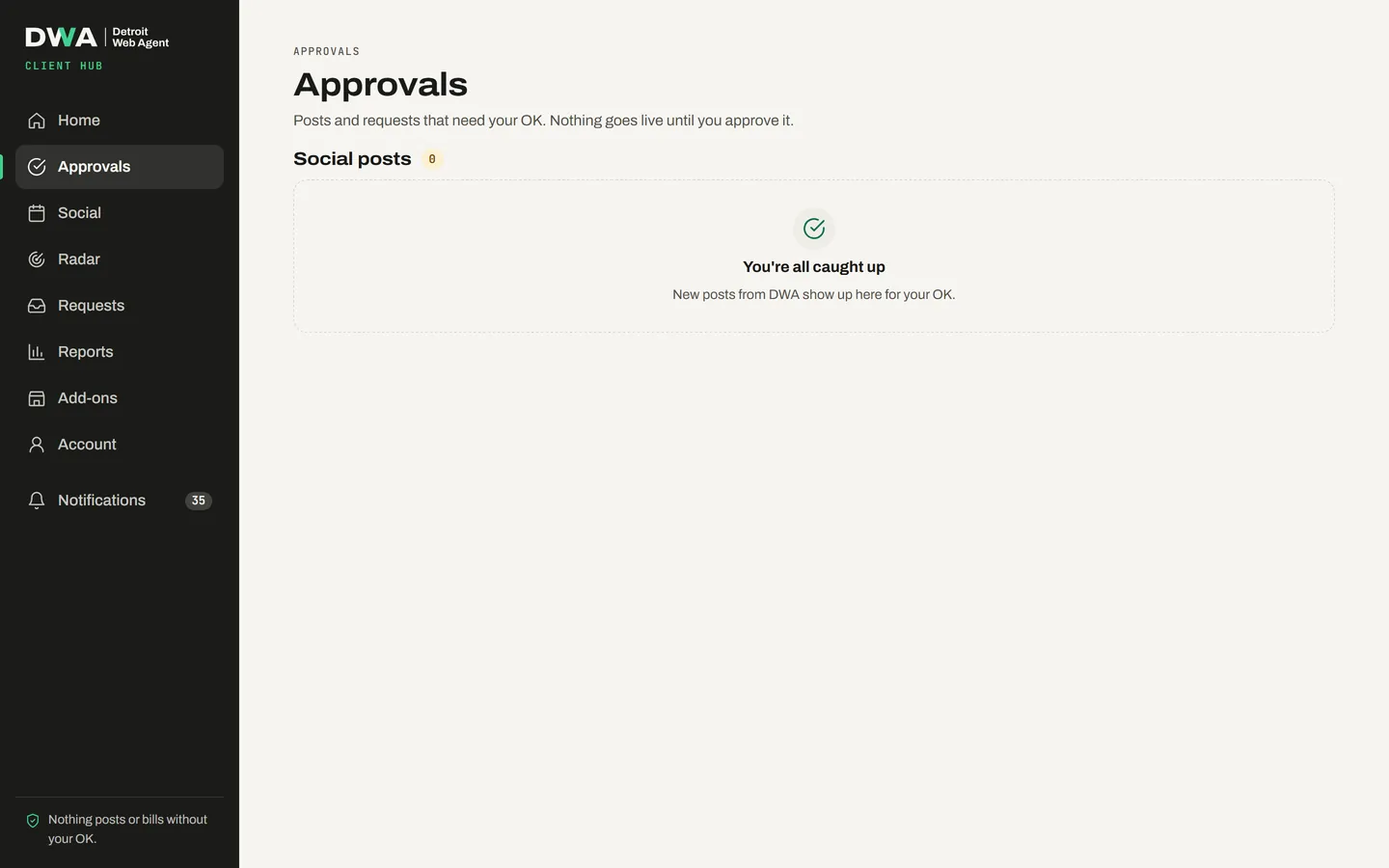
Every draft lands here before it's published: social posts, articles and videos.
- Approve with one tap, or say what to change
- See the planned date before you approve
- For your first 30 days we review each piece as well
03 · Social calendar
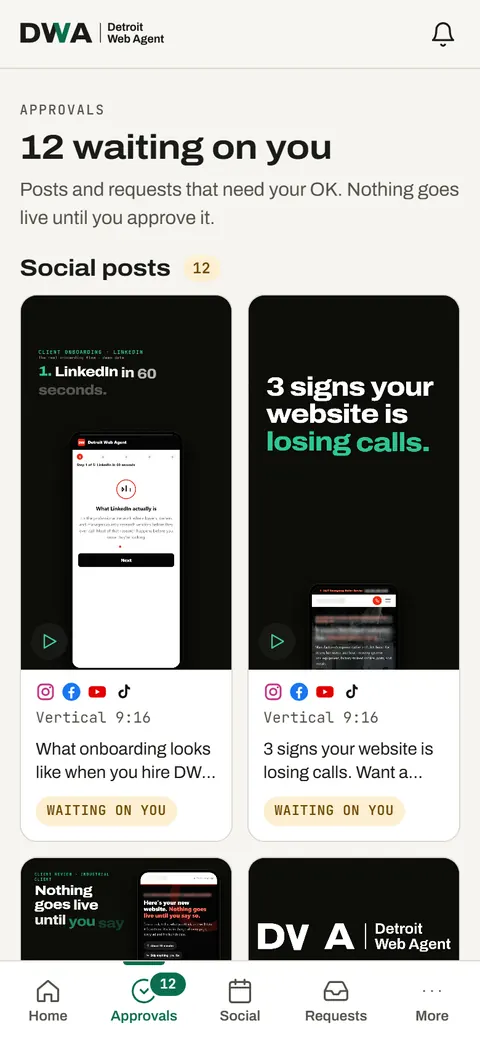
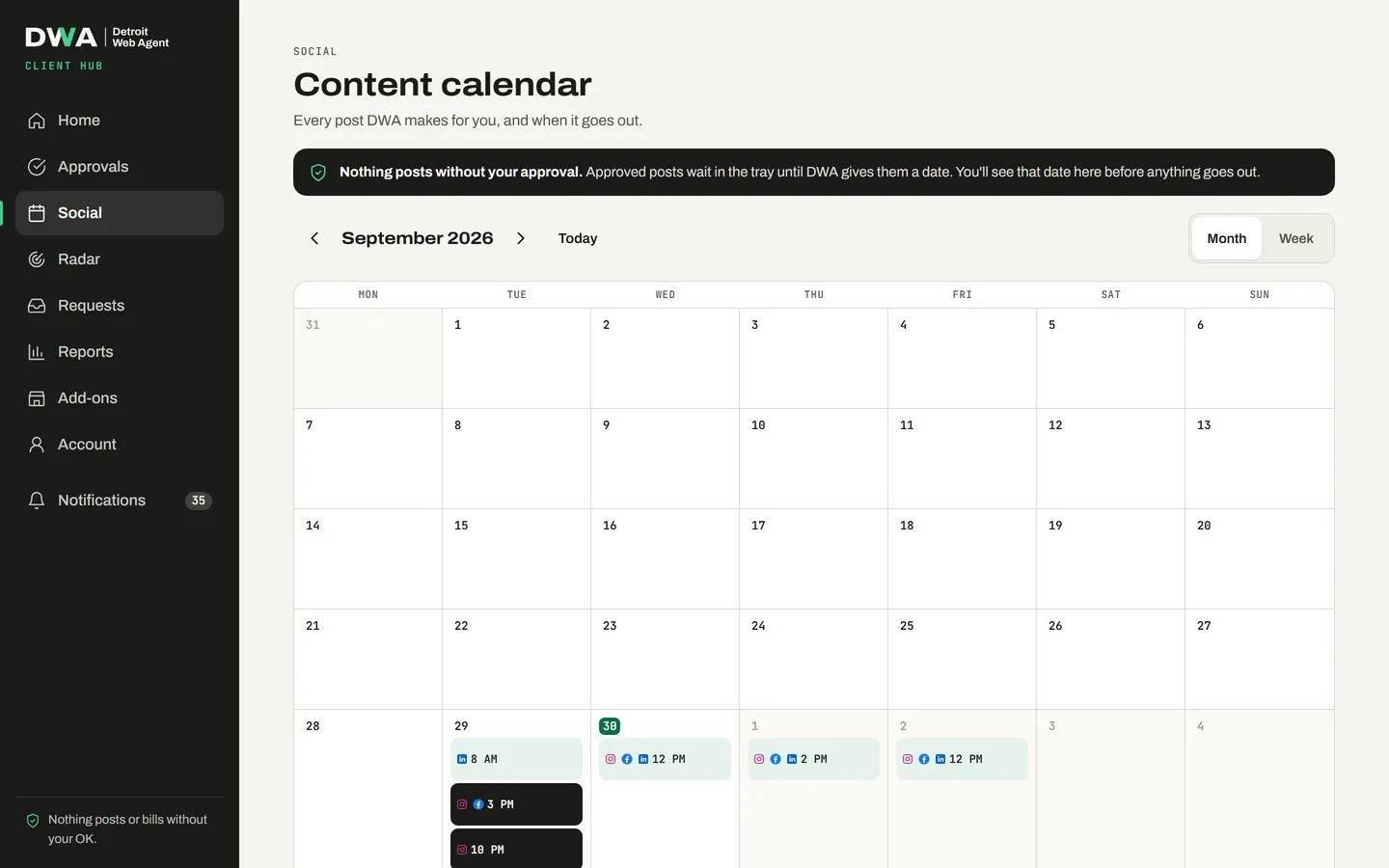
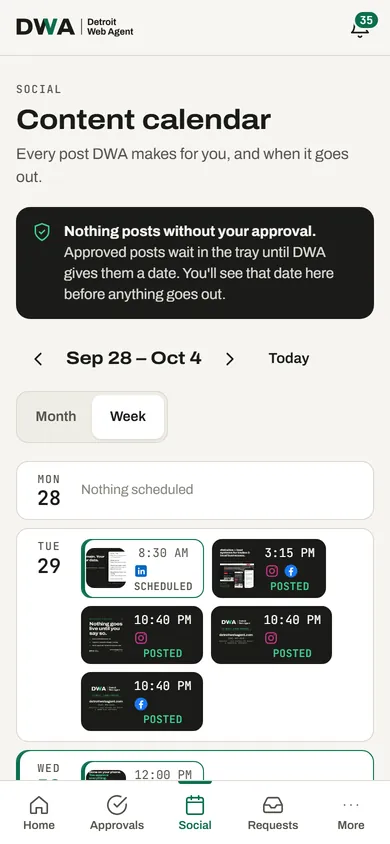
Social calendar: every post and when it goes out
A month or week view of everything planned, scheduled and posted, per channel.
- See what's scheduled and what already went out
- Approved posts wait in a tray until they're given a date
- Automatic posting is off by default; you can switch it on or off any time
04 · Requests
Requests: ask us for anything
Need a price changed, a photo swapped or a new page? Send a request from the Hub, from any screen.
- Track each request from received to done
- Normal requests are answered within 2 business days; urgent ones within 4 business hours (Mon–Fri, 8–6 Eastern)
- Every finished request shows up in your updates
05 · Reports
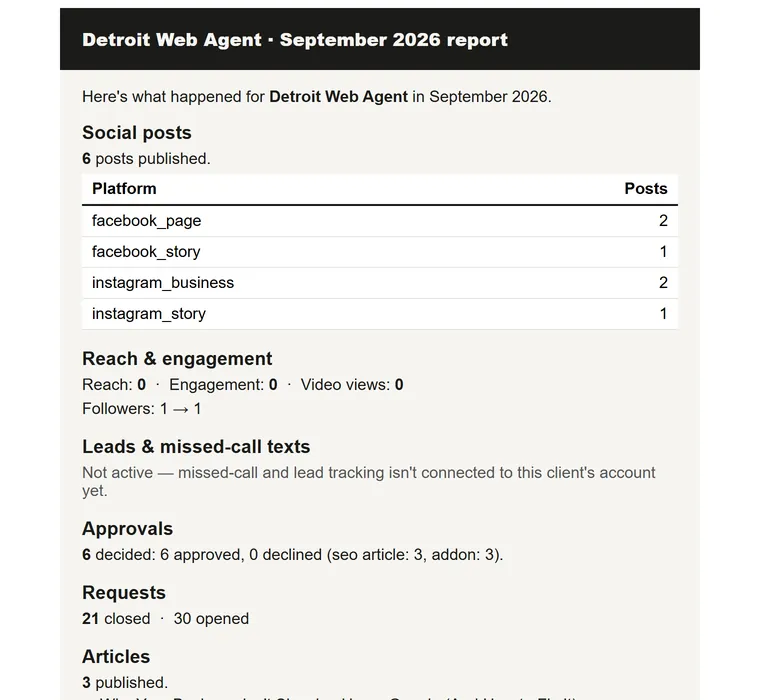
Reports: what we did, month by month
On the 1st of each month you get a plain report of the month before, in the Hub and by email.
- Posts published, by platform
- Reach, engagement and follower change where your accounts are connected
- Approvals, requests, articles and your Google profile status
06 · Add-ons
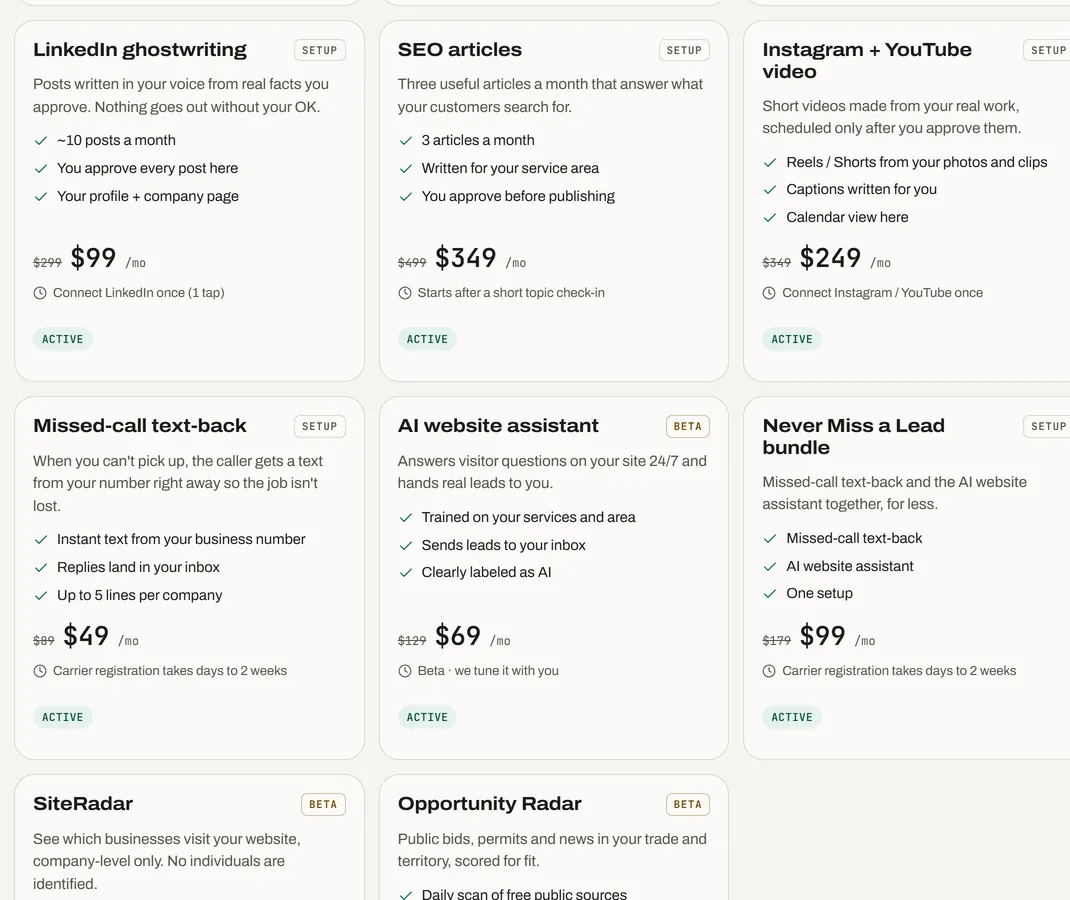
Add-ons: switch services on yourself
Every add-on shows its price and what's included. Nothing is charged until you confirm.
- LinkedIn posts, SEO articles, video, missed-call text-back and more
- We install the AI Assistant for you. It's built into any new site we make. On an existing site we install it, or send your web person ready-made instructions, and confirm it's live. You never copy code.
- SiteRadar and Opportunity Radar are included with the Growth Plan
07 · Plan & billing Rolling out
Plan & billing: add, pause or cancel
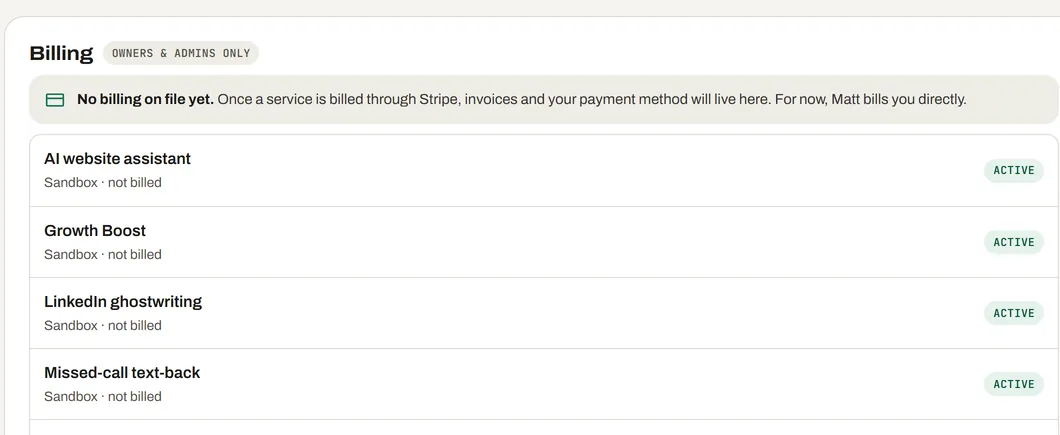
Your plan, your add-ons and your invoices in one place. Owners and admins only.
- Invoices and your payment method, through Stripe's secure billing page
- Add-ons start on the 1st of the next month, so you never pay for a partial month (rolling out)
- Pause an add-on for 1 to 3 months (rolling out)
- Cancel the plan or any add-on and it ends at the end of the month you paid for. The Growth Plan is month to month, no term (rolling out in the Hub)
08 · Connections
Connections: your accounts, your control
Connect the accounts we post to, like your Facebook page, Instagram, LinkedIn and YouTube, and disconnect them whenever you like.
- Connect once; reconnect or disconnect in one tap
- Access tokens are encrypted at rest (AES-256)
- Disconnecting deletes the stored token straight away
- Connecting an account never posts anything by itself; only approved posts go out
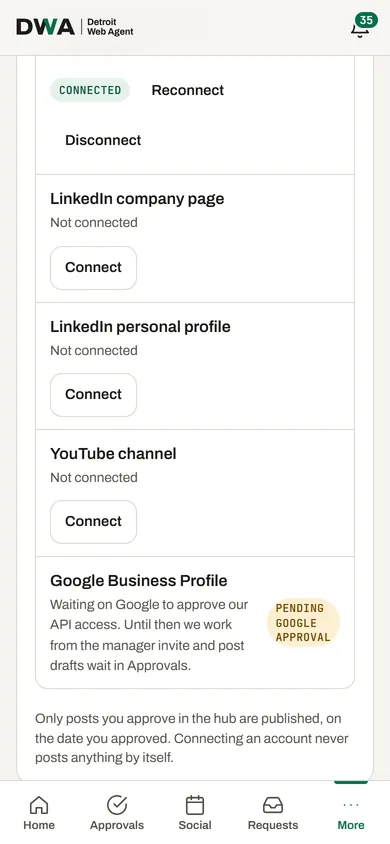
Social accounts on a phone.
09 · Notifications
Notifications: told once, in the right place
A bell in the Hub shows what's new, and email tells you when something needs your approval.
- Unread updates counted on the bell, cleared when you've seen them
- Email when a draft is ready for you, which you can switch off
- The monthly report arrives by email with a button back to the Hub
10 · Conversations Rolling out
Conversations: your text threads in one inbox
Rolling out: texts from missed-call text-back will land in one inbox in your Hub, so anyone on your team can pick up the thread. Until then, replies come to your phone as they do today.
- Every missed-call text thread in one list
- See who replied and when
- Reply from the Hub or from your phone
How approval works
You see everything first. Nothing goes out without your yes.
- We draft
Posts, articles and videos written from your real work and the facts you approved.
- You see it in your Hub
Every draft lands in Approvals in your Client Hub, with the date it's planned for.
- You approve or edit
One tap to approve, or tell us what to change. Nothing moves until you say yes.
- It goes out on your date
Only approved work is published, on the date you chose.
- Every post, article and video appears in your Client Hub before it's published.
- You have final approval on everything.
- For the first 30 days, we review each piece too, so two people check it before it goes out.
- Nothing posts to your social accounts unless you approved it.
- Automatic posting is off by default. If you turn it on, you can turn it off again any time.
- The first month is free, so you can look through your whole first month of content in your Hub before you pay anything.
Talk to me directly
Questions about the Client Hub?
Text or call (313) 992-1219, email matt@detroitwebagent.com, or leave your number below. I'll check your site and get back to you within one business day.